

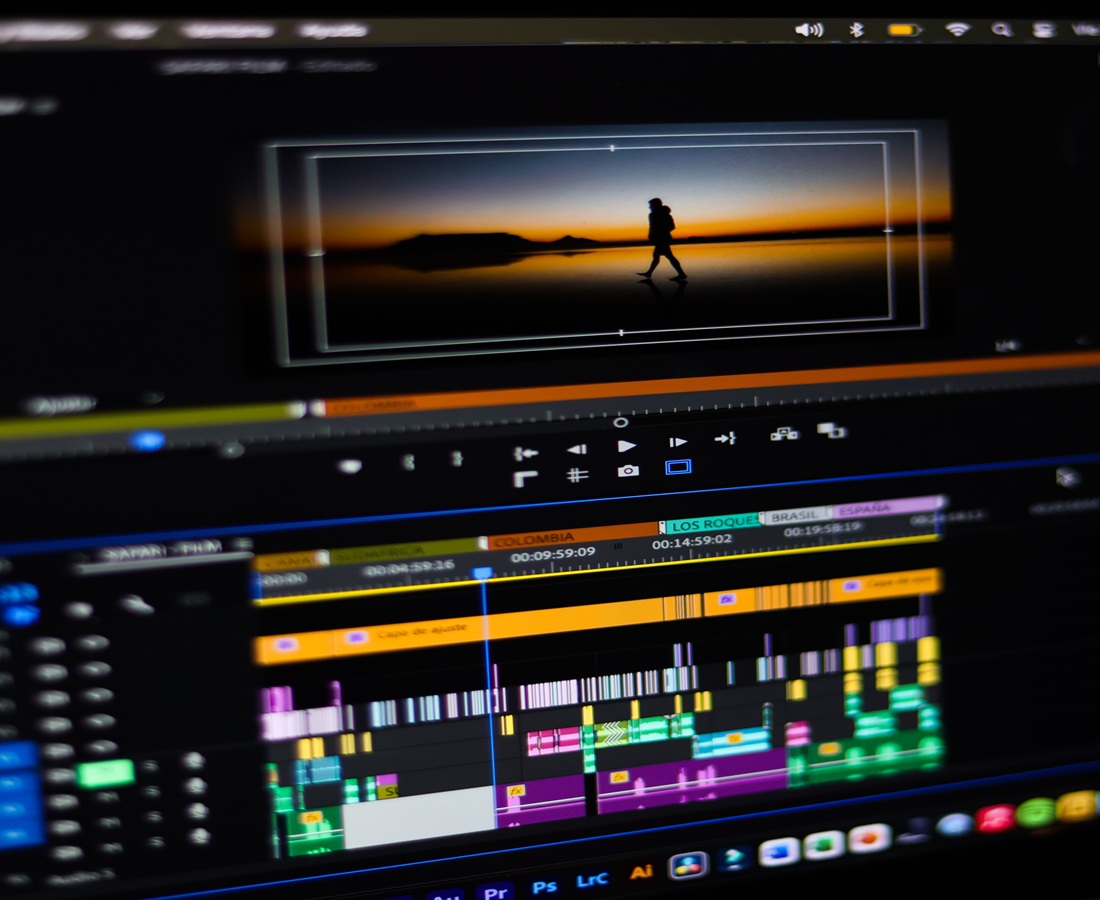
Indie authors have scenes readers can picture vividly, but a novel’s best paragraph rarely works unchanged as a video prompt. A teaser has seconds to suggest a character, a conflict and a reason to open the book without giving away the twist. This guide shows how to choose a filmable moment, adapt it into a short visual sequence and make an animated test with Pollo AI, even if you have no production team.
Which Book Scene Makes a Strong Animated Teaser?
Choose a moment with a visible change and an unanswered question. A character finding a letter where it should not be is easier to show than three pages of internal debate. Before committing to a full trailer, use Pollo AI to create an animated video with AI as a short test. Describe one action, the setting and the camera’s point of view; then see whether the result still feels like your book.
What Makes a Scene Work Without the Chapter Around It?
It needs to make sense to someone who has never met the characters. Look for a simple visual situation, a decision the viewer can read from body language and a question you can leave open. A romance might show an unsent message being deleted. A mystery might end just before a locked door opens. Neither needs a plot summary to create curiosity.
What If the Best Moment Happens in a Character’s Thoughts?
Give the thought a physical sign rather than asking the clip to explain it. A trembling hand above a sealed envelope can suggest hesitation; a light left on in an empty room can suggest dread. Keep the spoken or on-screen line short enough to add meaning, not repeat what the viewer can already see.
How Do You Turn a Chapter into a Three-Shot Teaser?
Reduce the passage to an opening image, a change and a cut before the answer. Each shot should have one action. If the protagonist appears more than once, you can reuse a character reference and compare the face, clothing and proportions between generated clips. A reference helps establish a look, but you should still review continuity yourself.
Here is an example outline for a hypothetical mystery. The times are editing targets, not promised generation lengths:
| Time | What the viewer sees | Purpose |
| 0-4 sec | A locked door opens from the inside. | Establish the puzzle |
| 4-10 sec | The protagonist finds a sealed letter in the empty room. | Make it personal |
| 10-14 sec | A shadow moves across the window; cut before the reveal. | Leave a question |
| 14-18 sec | Cover, title and a clear invitation to read. | Connect the hook to the book |
How Should You Write the Prompt for Each Shot?
Write what a camera can see: character, action, place, lighting and one movement. For the second shot, try: ‘A woman in a dark green coat finds a sealed letter on a wooden floor; dim morning light; close-up; slow push-in.’ Save the coat, hair and lighting details for the next prompt. Put titles and purchase information in the edit rather than asking the generation to draw readable text.
How Do You Make the Teaser Feel Like Your Book?
Carry over the book’s mood through a few repeatable choices, not a literal recreation of every description. Use a small palette borrowed from the cover, one recognisable object and a consistent pace. A cosy fantasy may need warm rooms and gentle movement; a thriller may gain more from a quiet pause than another fast cut. The teaser should make a reader expect the right kind of story.
Should the Teaser Include Dialogue or Voiceover?
Use a voice only when it adds something the images cannot. One line from the scene can work, but a full paragraph often competes with the action. Record a clean read, keep music below the words and add captions for people watching without sound. If a character speaks on screen, review the mouth movement closely; a voiceover over an object or setting is often simpler.
What Should Authors Check Before Publishing?
Watch the finished clip as a stranger would: with no knowledge of the book and, once, with the sound off. Then check four things:
Spoilers. Does the cut stop before the answer, or has the teaser given away a reveal?
Continuity. Do the character’s face, clothing and setting still match from shot to shot?
Readability. Are captions and the final book title legible on a phone without covering the action?
Permissions. Confirm you may use the cover art, music and any recorded voice in this video.
Save a version without platform-specific text, then adapt the crop and end card for each placement. A vertical social clip and a wider website embed can share footage, but both need a fresh check for cut-off faces and titles.
Where Should the Final Card Send Readers?
The final card should offer one clear next step. For a published book, show the title and direct viewers to the book page. Before launch, a sample chapter or mailing list may be the better invitation. Leave the card on screen long enough to read, and make sure the link in your accompanying post leads to the same place. Do not rely on spoken audio alone for the release details.
How Can You Start an Animated Book Teaser with Pollo AI?
Start with the one scene you can describe in a sentence. Sketch three shots, gather an approved character image if you have one and generate the opening moment with Pollo AI. Show the rough cut to a reader who does not know the plot. If they can tell you what they felt and what they want to know next, you have a teaser worth finishing.